From the Dutch delivery to the KSeF invoice
Ordiflor is software for flower and plant wholesalers. You load the delivery from a file, see what is in the cold store and on the yard, pick orders and issue VAT invoices in KSeF. No notebook and no retyping.
For wholesalers that import goods from the Netherlands
We are building Ordiflor first for wholesalers that buy from Dutch exporters and sell to florists, shops and businesses on invoice.
Cut flower wholesaler
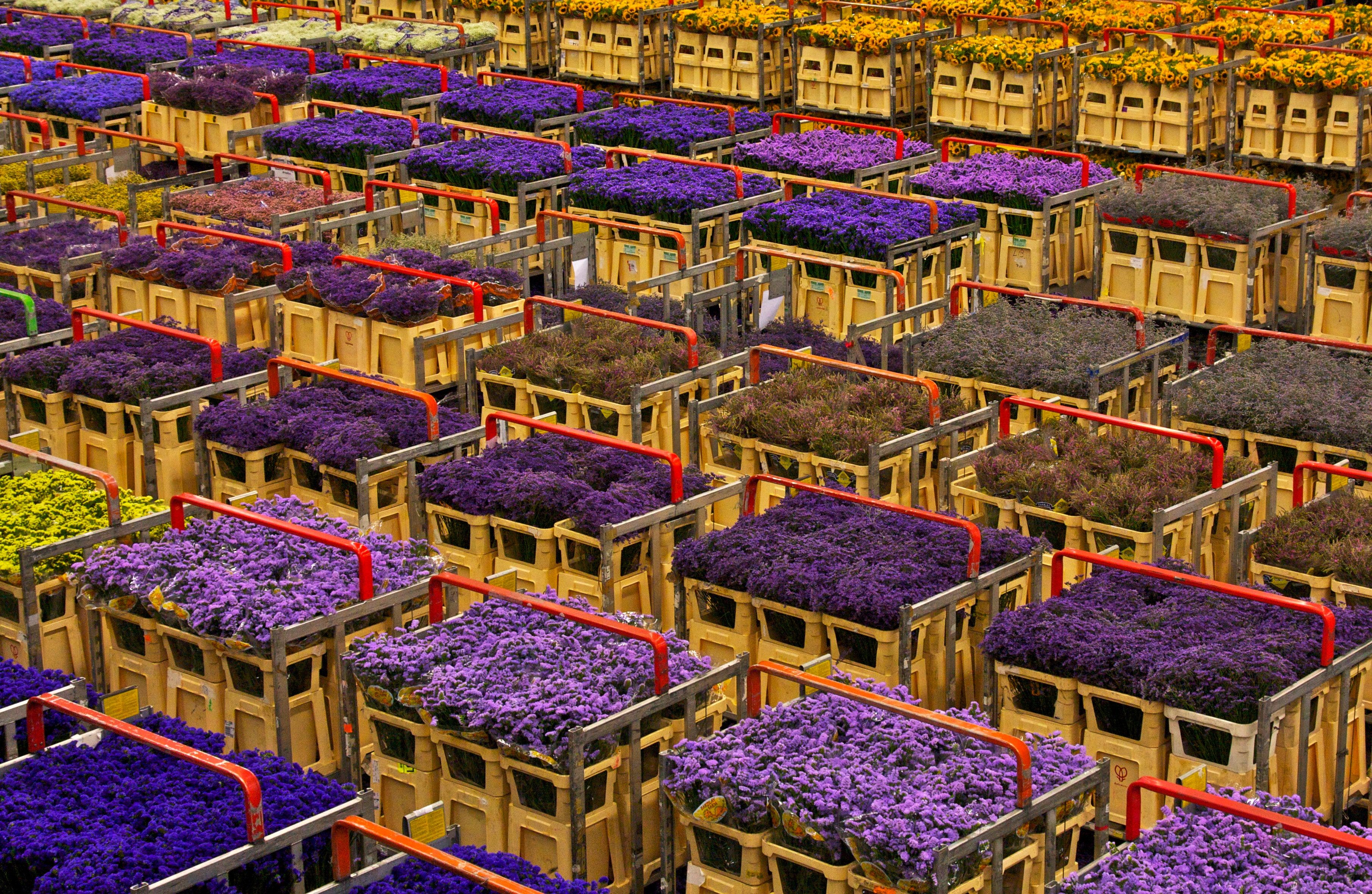
The goods lose value from one day to the next, and you count them in stems, bunches and buckets. The program sorts deliveries by their sell-by date and suggests the oldest one when you take an order.
Potted plant wholesaler
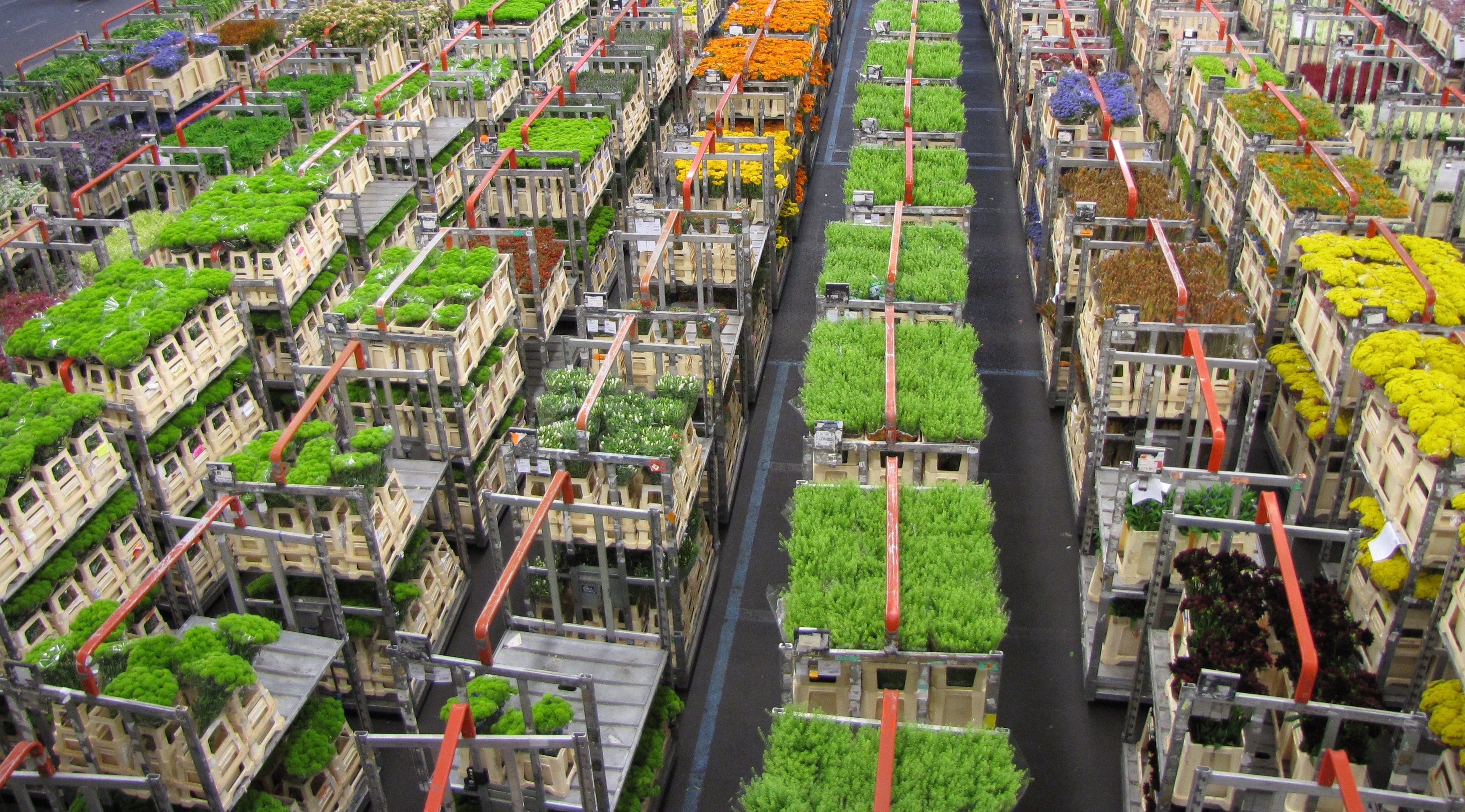
Plants stand on trolleys, shelves and trays, in the hall, in the polytunnel and on the yard. You see where each delivery stands, how much of it is left and what it cost.
Garden centres coming soon Retail sales with a receipt are in preparation.
A day at the wholesaler
This is how Ordiflor helps, from the first delivery in the morning to the report in the evening.
Morning
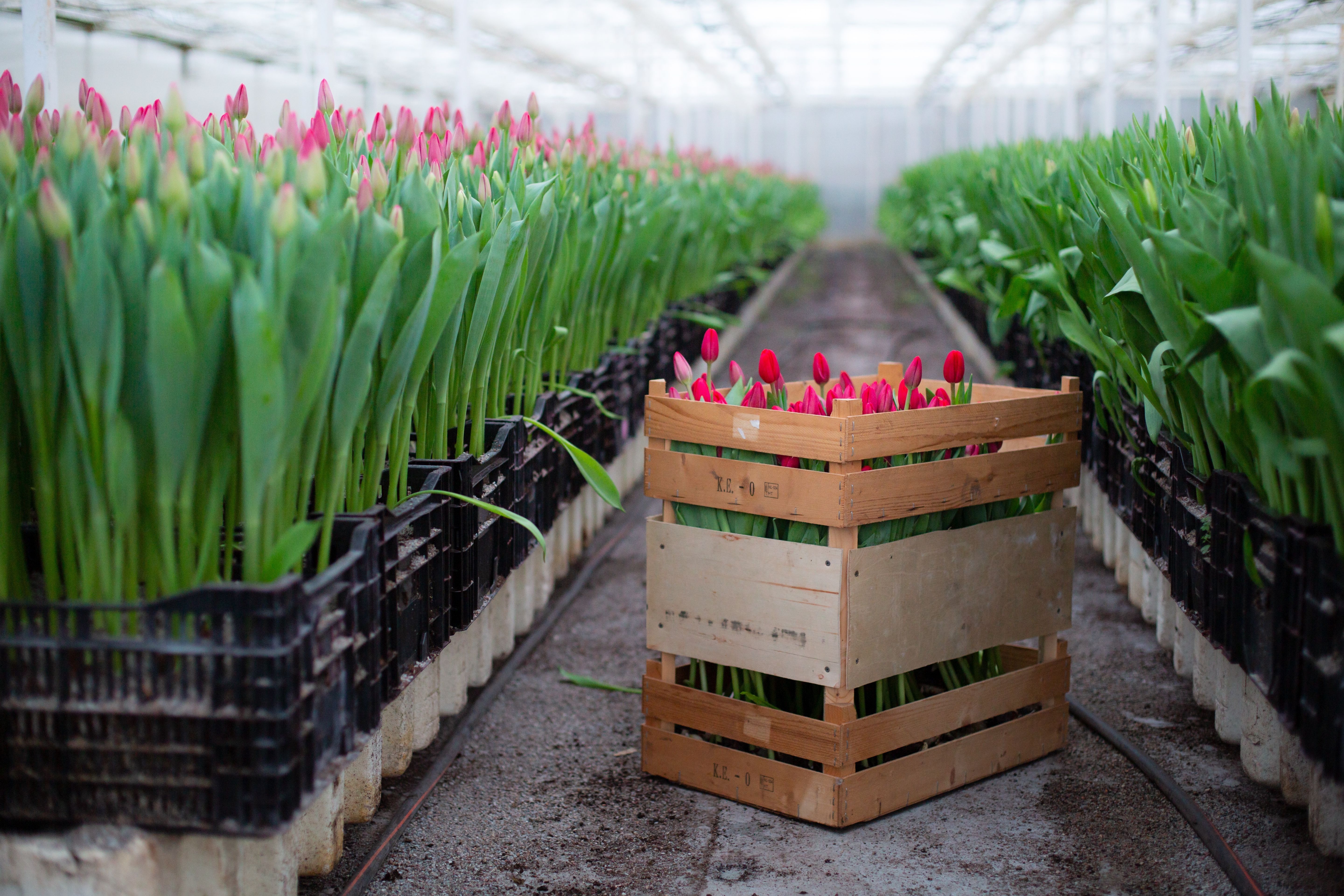
The delivery from Holland comes in from a file
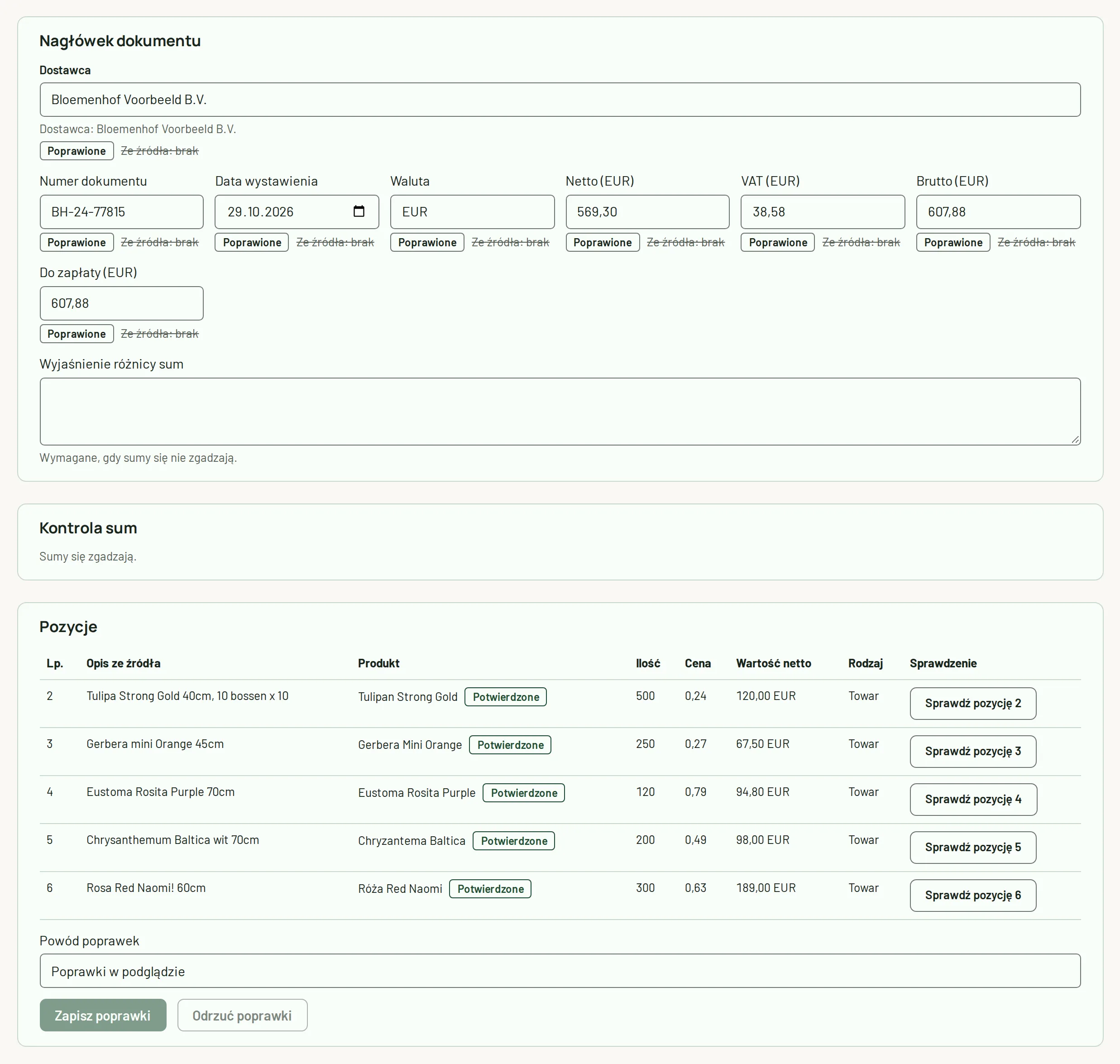
The exporter sends a list in Excel®, and you load it into the program and check the preview before saving. In the Core plan you load a file in the Ordiflor template; in Pro, any supplier file, and the program remembers its layout.
coming soon EDI from Dutch exporters
The purchase invoice from KSeF is linked to the delivery
The supplier’s invoice arrives from KSeF, and the program matches its lines to your products. It converts euro prices at the NBP exchange rate and spreads freight across the units.
Before noon
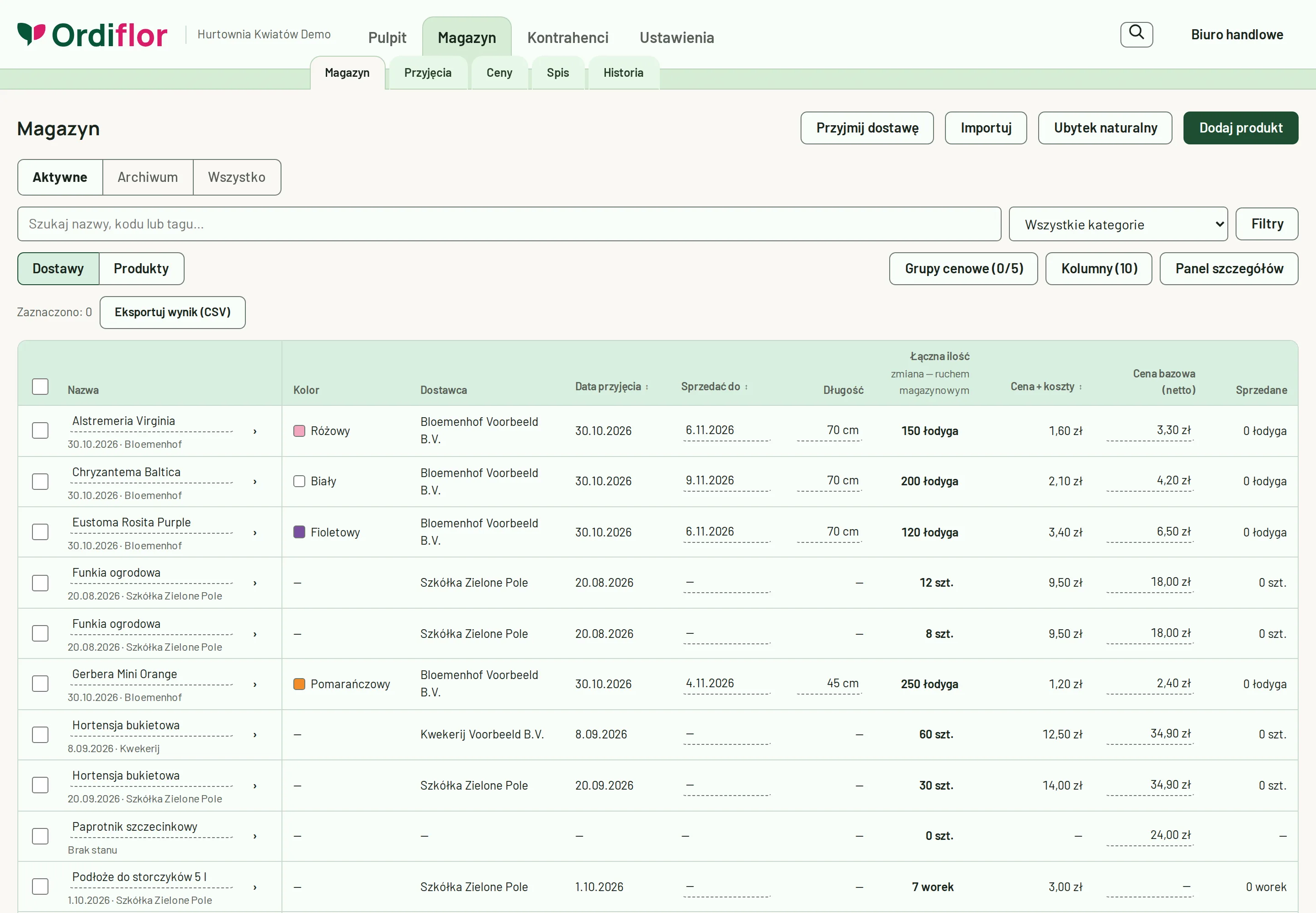
Every delivery has its own row
Under each product you see its deliveries: date, supplier, location and quantity. Cut flowers have a colour from the company’s colour list, a length and a grade.
Transfers, losses and stocktaking
You move goods between the cold store, the hall and the yard. You record losses with a reason, e.g. frost, and stocktaking shows the differences.
During the day
Customers from GUS, the VAT white list and VIES
Once you enter the tax ID (NIP), the program fetches the company data from GUS and checks the VAT status on the VAT white list. You check the VAT number of a company from another EU country in VIES.
Prices and customer price lists
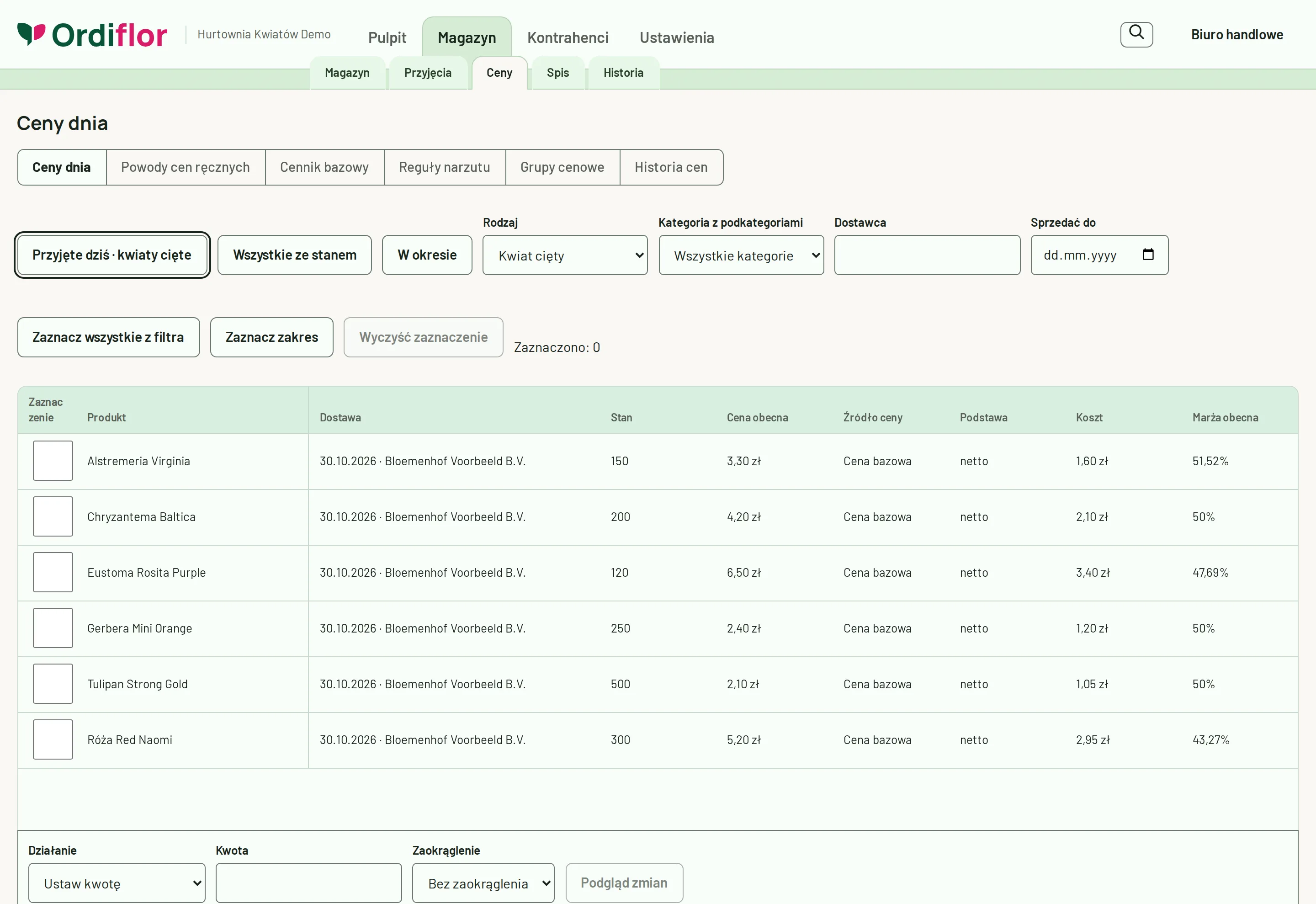
A customer can have their own price group, a fixed discount or an individual price. You change the prices of many products at once, with a preview before saving.
Order, picking and goods-issue note (WZ)
The office takes a florist’s order, and the ordered goods are no longer available to others. The warehouse worker picks it on the scanner, and on dispatch the program issues a goods-issue note (WZ).
Afternoon
Sales and the till
A trade customer pays on collection in cash or by card, and the office records bank transfers against the invoice. You record cash paid into and out of the till as cash receipts and payouts (KP/KW).
VAT invoice in KSeF
The invoice goes to KSeF on its own, and the customer receives it by e-mail. You also sell to businesses from other EU countries, with the VAT number checked in VIES.
Evening
Stock and loss reports
At the end of the day you see the stock and its value, and what froze or wilted. Purchase costs are visible only to the people you allow to see them.
What Ordiflor looks like
Screenshots from the real program, with a sample wholesaler’s data.
Notebook and Excel compared with Ordiflor
A notebook and a spreadsheet work well as long as there are few goods. With several deliveries a week, mistakes happen easily. This is how the same tasks look in the program.
| Task | Notebook, Excel, phone | Ordiflor |
|---|---|---|
| Delivery from Holland | You retype the exporter’s list by hand. | You load the file and check the preview before saving. |
| How many roses are left from Tuesday’s delivery | You go to the cold store to count them. | Each delivery has its own quantity and location in the product list. |
| Cost per unit including freight | You work it out on a calculator, with the euro rate from a slip of paper. | The program converts at the NBP rate and spreads freight across the units. |
| Order by phone | You write it on a piece of paper, and the goods may already be sold. | The ordered goods are reserved straight away, and the warehouse worker sees the order on the scanner. |
| Invoice for a florist | You retype the lines into an invoicing program. | The VAT invoice is created from the order and goes to KSeF on its own. |
| What froze or wilted | It is hard to add up after the fact. | A loss report with the reason and cost for each delivery. |
Your wholesale data under lock and key
Prices, customers, deliveries and invoices are the data your business depends on. This is how we protect them.
- Servers in the European Union
- The program and your company’s data are stored on servers in the EU.
- A separate database for each company
- Your company’s data is in a separate database, kept apart from other companies’ data.
- Encrypted backups
- We encrypt backups and store them with a second provider, also in the EU.
- Activity log
- The program records who signed in and when, and who changed a price, received a delivery, corrected stock or recorded a loss.
- Personal accounts and permissions
- Each employee signs in to their own account and sees only what you allow. Our support staff sign in separately, with a password and a code from a phone app.
Moving from Excel or another program
You do not start with an empty product list. We move the data you have today into Ordiflor.
What we move
- Products from your product list
- Customers with their invoice details
- Prices and customer price lists
- Opening stock, that is what is in the warehouse today
How it works
- In an online demo you tell us how you work today and what you use.
- We move your data from Excel or another program.
- We set up the program for your business and train your staff.
- You start working, and we answer your questions.
You can load opening stock from Excel in every plan. We agree the scope of data migration from another program and of the setup in the demo and include it in our offer.
An offer for your business
We tailor the price to your business: it depends on the number of users and workstations, branches and the scope of setup.
You pay per company, not per turnover or per invoice, and KSeF is included in every plan. Tell us what you do and we will prepare an offer and show you the program online.
Who is behind it
Ordiflor is made by Damian Cieślik of Aletheia Core.
The program is being built together with real flower and plant wholesalers. We test every feature on their everyday deliveries, orders and invoices.
Questions and answers
Do I need to install anything?
No. Ordiflor runs in the browser on a computer, tablet and phone. In the warehouse a mobile scanner is useful, and at a workstation a USB barcode scanner is enough.
Does the program send invoices to KSeF?
Yes, in every plan and at no extra cost. Sales invoices go to KSeF on their own, and the program downloads purchase invoices from KSeF.
Today we work with a notebook and Excel. Will we manage?
Yes. You load opening stock from Excel, and during setup we configure the program and train your staff. In the demo you will see the program at work with a sample wholesaler’s data.
Can I load a file from a Dutch exporter?
Yes. In the Core plan you load a file in the Ordiflor template, and in Pro any supplier file, and the program remembers its layout. EDI from Dutch exporters is coming soon.
How much does Ordiflor cost?
The price depends on the size of your business: the number of users and workstations, branches and the scope of setup. You pay per company, not per turnover or per invoice, and KSeF is included in every plan. Write to us and we will prepare an offer.
Do I have to sign a contract for a year?
No. You can pay monthly. We set out the payment terms in our offer.
Where is my data?
On servers in the European Union, in your company’s separate database. We store encrypted backups with a second provider, also in the EU.
See Ordiflor in a demo
In an online demo we will show you receiving a delivery from Holland, stock in the cold store and on the yard, an order with picking and a goods-issue note (WZ), and a VAT invoice in KSeF.
Prefer to write? Address: biuro@aletheiacore.pl